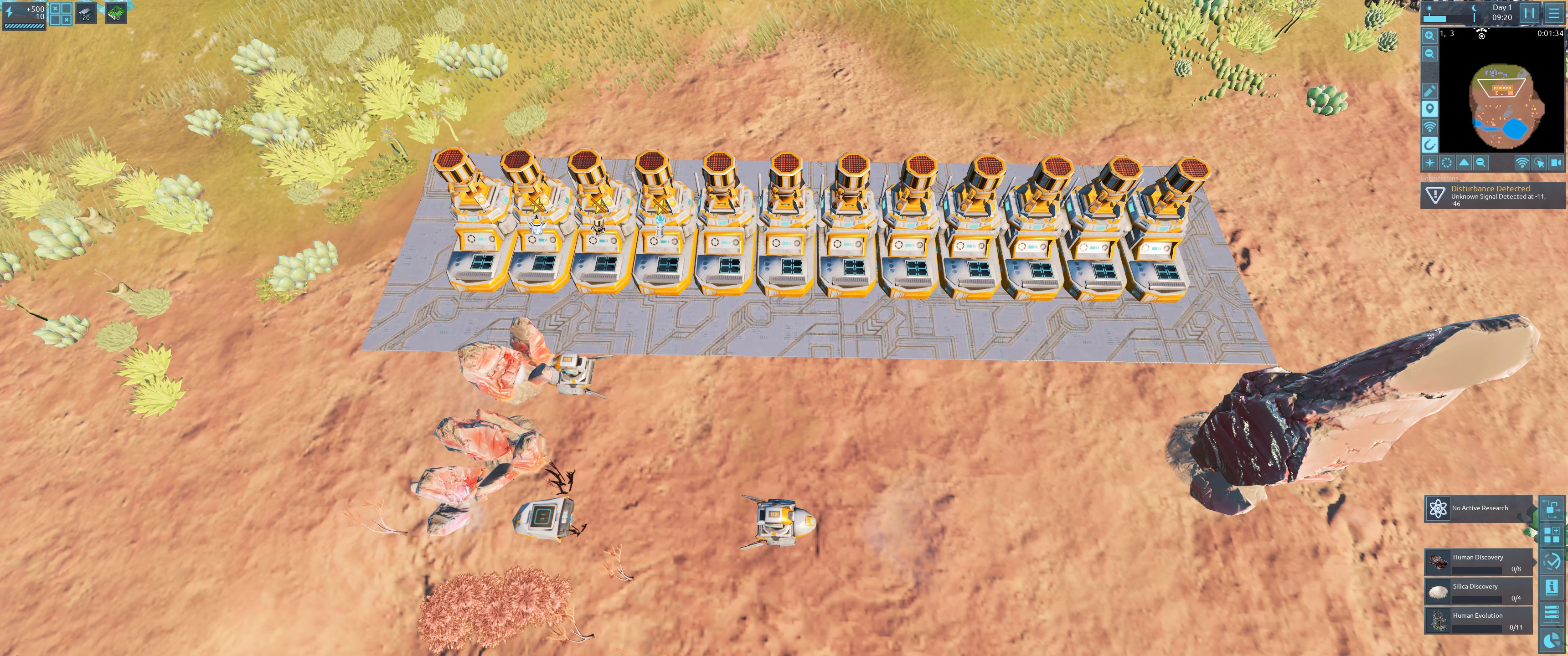
Below is a save with example errored behavior.
Reproduction steps from attached save:
1) Go to faction library and upload "Component build order" behavior to personal library.
2) In Personal Library - Edit Component Build Order behavior in the following way: Change any number of empty values for instruction Copy with destination P2 to any components, starting from top to bottom (following the order of labels).
3) Save the Component Build Order behavior.
4) Upload the behavior to faction library.
You will notice there will be no change in behavior of buildings on main view.
5)Save the file, and reload it - non-working assembly buildings should change to ones with new icons.
Bug does not appear when editing behavior straight in faction library.
For any questions or for reproduction video feel free to contact me on Discord.