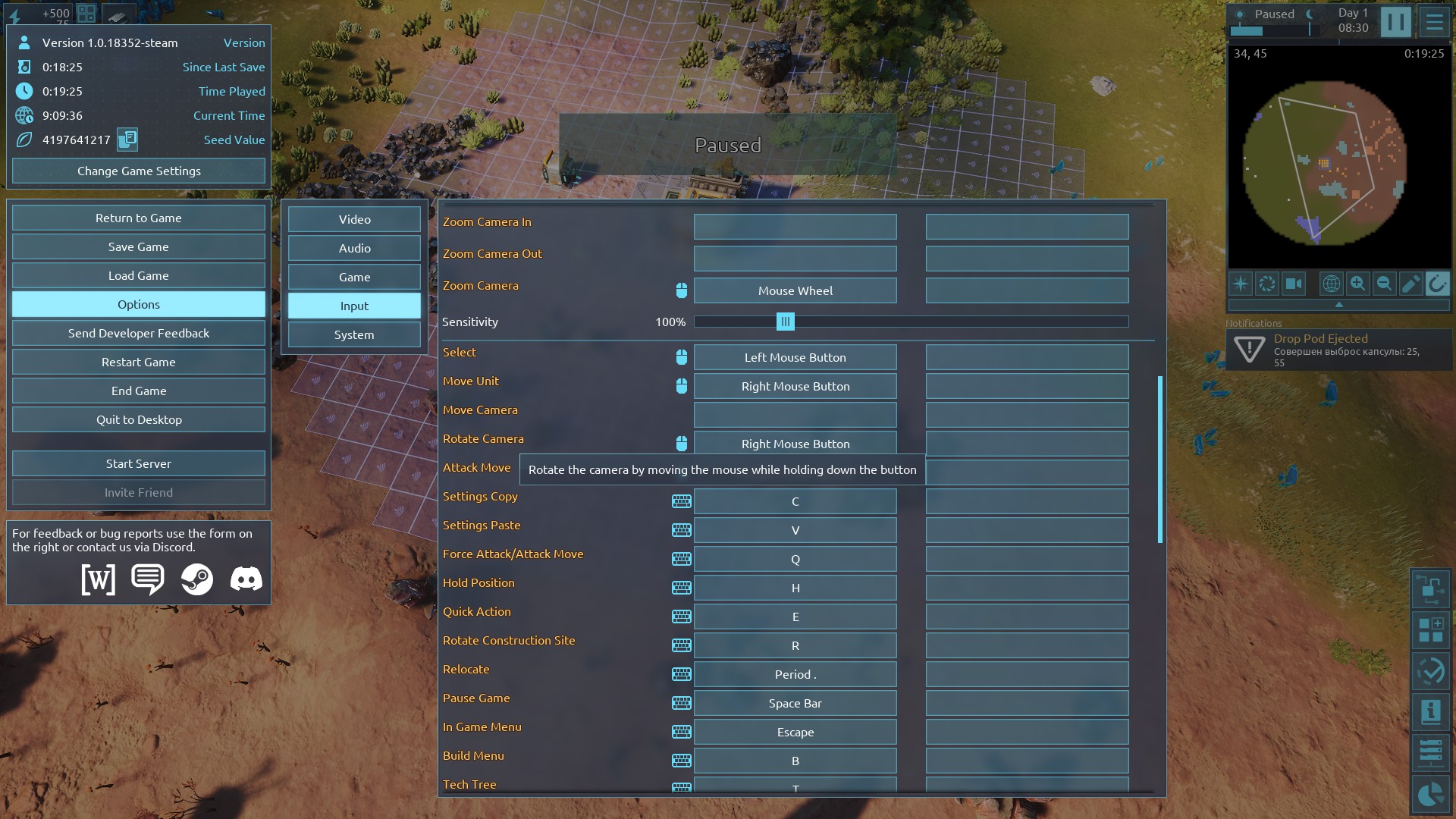
In the Input settings, "Rotate Camera" is bound to Right Mouse Button, but there is no sensitivity/slider for how fast the camera rotates when holding RMB and moving the mouse.
I checked both:
- Stable version from ~6 months ago
- Current Experimental version (1.0.18352-steam)
In both versions the rotation speed is fixed and feels too fast for precise control.
Please add a "Camera Rotation Sensitivity" slider (similar to the existing Zoom Sensitivity) in the Input settings.
Screenshot of the Input menu is attached (the Rotate Camera binding is highlighted).