| ID | Rating | Category | Description | Screenshot | Date |
|---|
| 5462 | 😟 | Suggestion | Please allow shift-clicking of pins on the map to place multiple in succession like we can with buildings and the like. Would've saved me a lot of clicking.... | | 2025-07-12 04:15:00 |
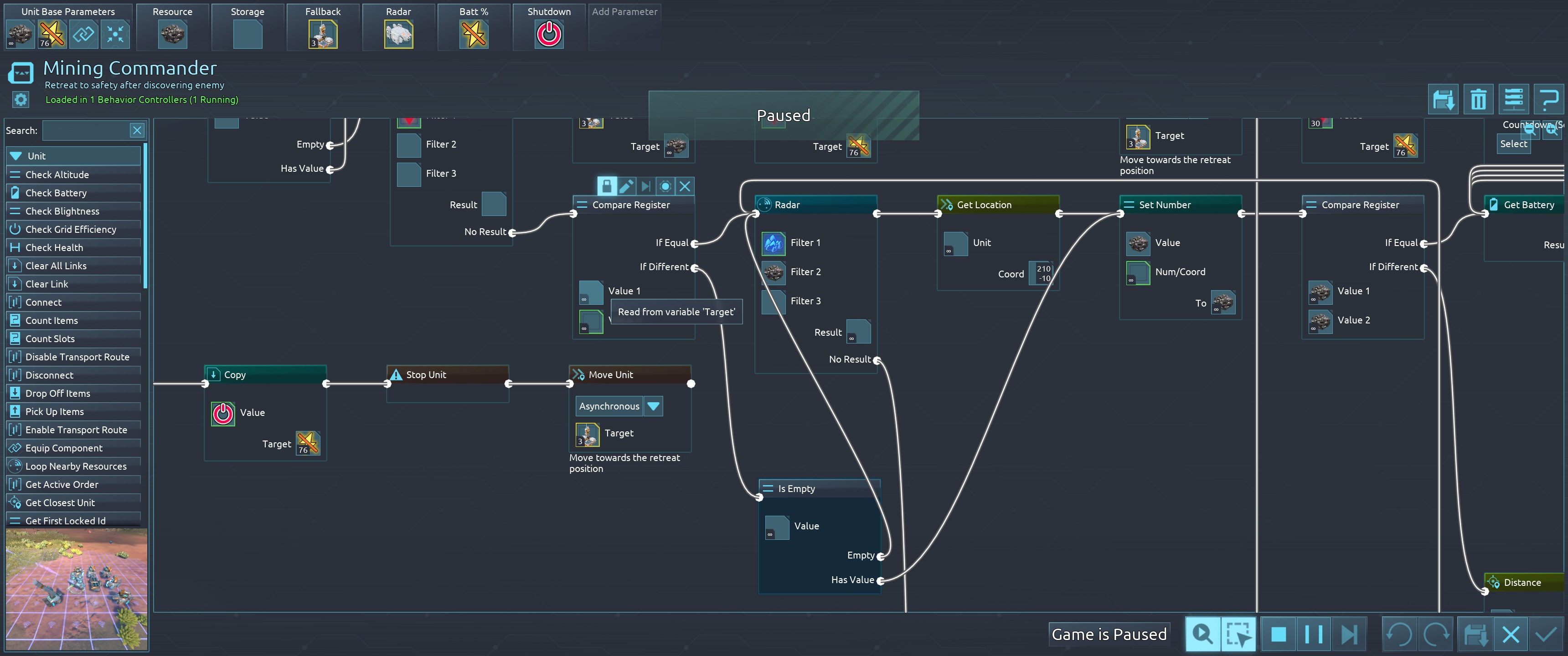
| 5461 | 😟 | Bug | If this isn't a bug, then this is unintuitive to me based on the descriptions and what the game actually shows to me.
Note that in the current executing behavior that the current instruction it is on is the "Is Empty" instruction bottom center of the screenshot. The only way this is reachable is if the "Compare Register" instruction before it determines that the variable 'Target' is different from the constant value of 'infinity'. 'Target', as is visible to me, is not different at this time. So why is this happening?
'Target' was a metal resource node until the miners that were working on it depleted it. I'm guessing there's something else in there that I can't see that makes this different, but if that it the case, then I need a reliable way of knowing when something in the game world no longer exists.
The save attached is modified, but none of the 4 mods in use are advertised as affecting behaviors or their instructions. | 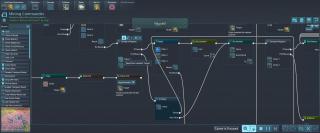 | 2025-07-12 02:05:14 |
| 5460 | 😟 | Suggestion | Power usage numbers are a little confusing around batteries and capaciters because when they are charging they still appear on the production side of the graph and their usage figures are not included in the summary totals in the upper left of the screen.
I am suggesting that when charging, please have them appear on the consuming side of the graph and tally their consumption rates into the consumption totals. | | 2025-07-12 01:43:13 |
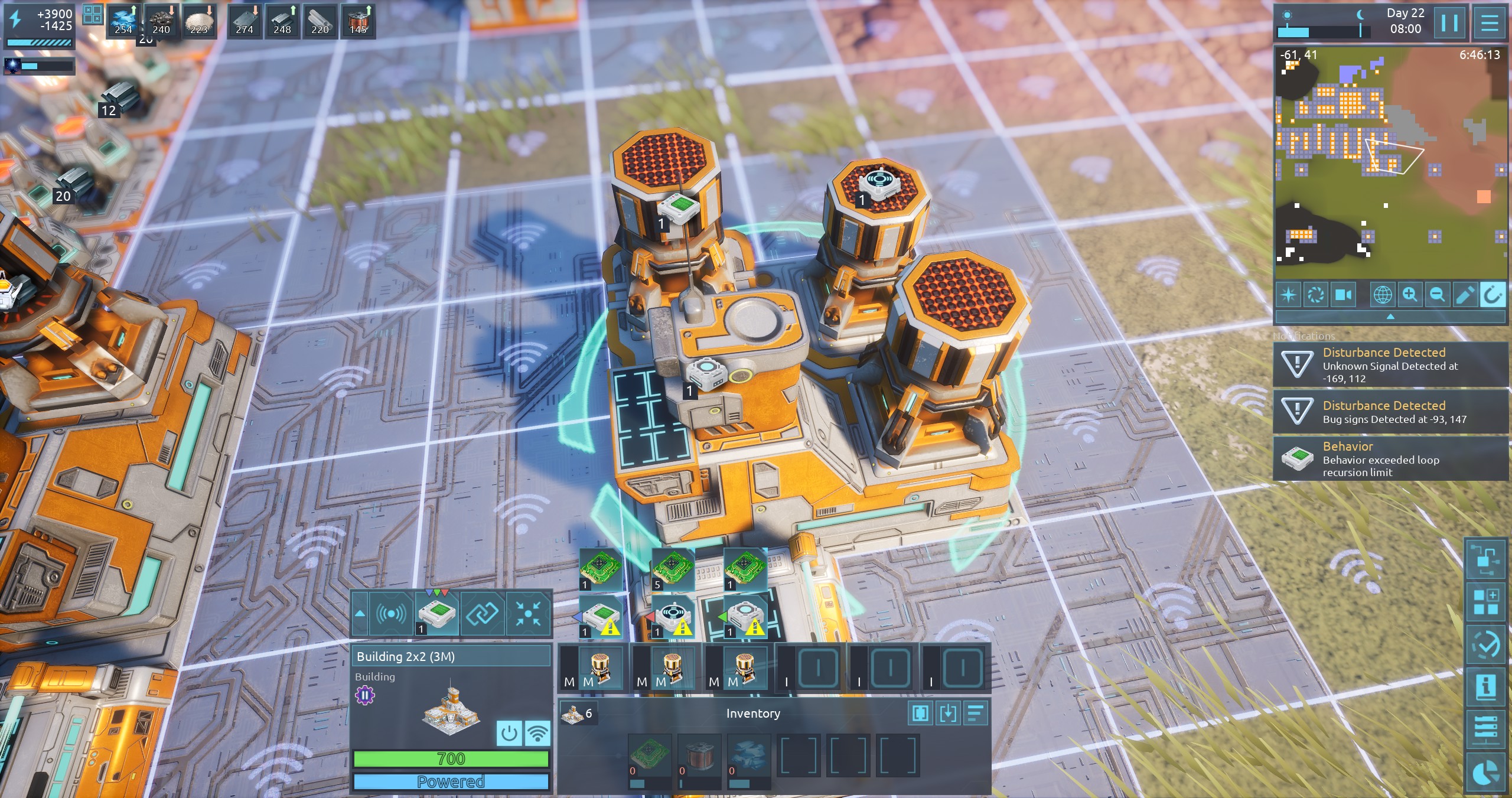
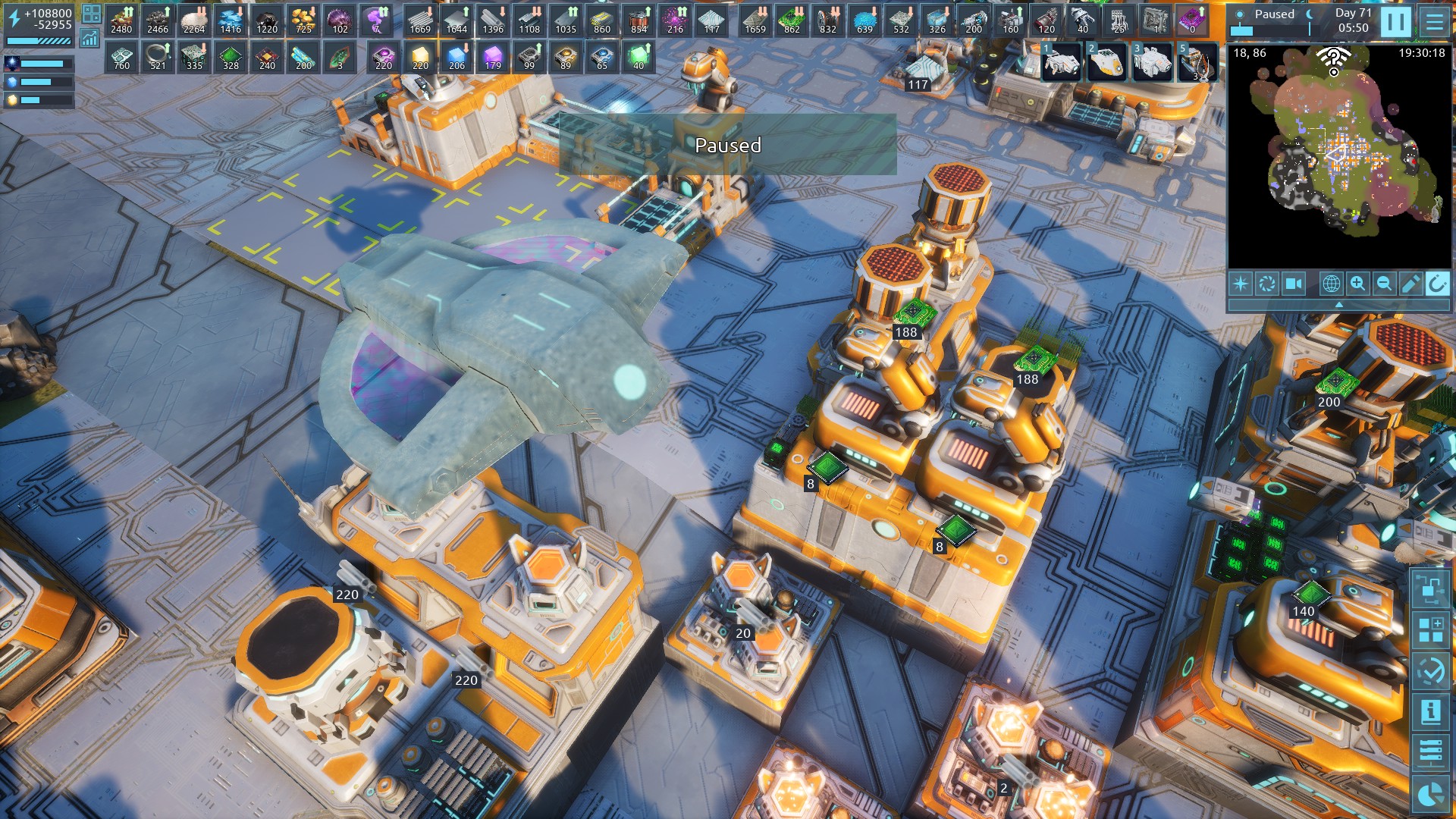
| 5459 | 😟 | Suggestion | When a building has multiple inputs into the "image" register, such as when a building has multiple components each with its own recipe (like shown in this screenshot), please make the location of the displayed images match the location of the appropriate component. This would greatly improve the readability of factories. In this example, the current image layout makes it look like one assembler doesn't have a recipe set even though it does, and one of the displayed recipe images is overlapping the part of the building that stores items. And when one assembler is running, the image displayed above it doesn't generally correspond to the thing it is making, which makes it harder to tell at a glance what you may be running low on. (There's no neutral emoji for sending feedback, btw: overall I'm really enjoying this but some small things like what I mentioned here are frustrating.) | 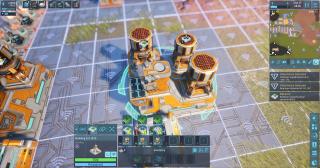 | 2025-07-10 22:35:53 |
| 5458 | 😟 | Suggestion | In addition to the copy/paste keybind functions for buildings, it would be great if we could get a "move" keybind function. Would make it easier to move some of the earlier factory setups as I progress vs having to create several storages to hold the resources from the deconstructed buildings and then either manually or via behavior on a couple of units have them all clean it up to those storages. | | 2025-07-10 17:42:33 |
| 5457 | 😀 | Suggestion | 塔防模式建议能显示炮塔的攻击范围 | | 2025-07-10 17:27:57 |
| 5455 | 😀 | Suggestion | Bonjour, et merci pour cette super licence!
Une petite suggestion toutefois : il serait intéressant de pouvoir réorienter les modèles quand ils sont déposés à l'aide du déployeur, et également de pouvoir la trace (fantome) de l'objet qu'on déploie.
Merci par avance de bien voiuloir tenir ompte de cette suggestion, qui constituerait un gros QOL.
Cordialement! | 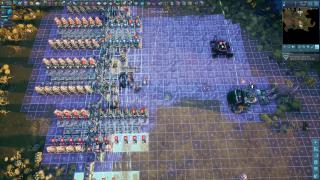 | 2025-07-07 18:09:51 |
| 5454 | 😟 | Suggestion | Please have it so that *integrated* capacitors are the first to charge and the last to discharge. When setting up bots to mine outside of the available power field, the expectation is that you can have them run off from their integrated capacitors while mining and then recharge when they return to drop off their goods. This works fine so long as the base is producing more power than is being used. But the moment the base starts using more power and draining capacitors (such as at night when solar turns off), even if there is plenty of power stored in regular capacitors and batteries and there is plenty of bandwidth for power draw available from them, when these miners return to base, they not only cannot recharge, but the base actually starts to **drain** their integrated capacitors. This makes it so these off-base miners fail during night and require manual restarting once day breaks and power generation raises again.
This also further complicates behaviors checking power levels remaining in a unit that is operating as part of a group off-base as it will begin draining its integrated capacitor immediately while there is still plenty of charge in regular capacitors mounted on dedicated power supply/storage units. | | 2025-07-06 01:14:20 |
| 5453 | 😟 | Suggestion | Please have the autosave interval not count when the game is paused. I like having autosave on in case something goes wrong, but as I tend to spend a lot of time with the game paused for one reason or another, it doesn't do me any good when all of the autosaves get overwritten with the same thing.... | | 2025-07-06 00:40:19 |
| 5452 | 😟 | Suggestion | As a new player, the fact that there will later be flying bugs kind of took me by surprise and resulted in a lot of damage to my base when I first learned they could actually fly over obstacles (I setup my defensive walls to go between some nearby plateaus, but didn't cover the walls of the plateaus themselves with any defensive guns).
It may be good to have a light flying bug at the early stage with the normal Trilobytes, thus making it more likely for this to be realized early on for other new players. | | 2025-07-06 00:31:00 |
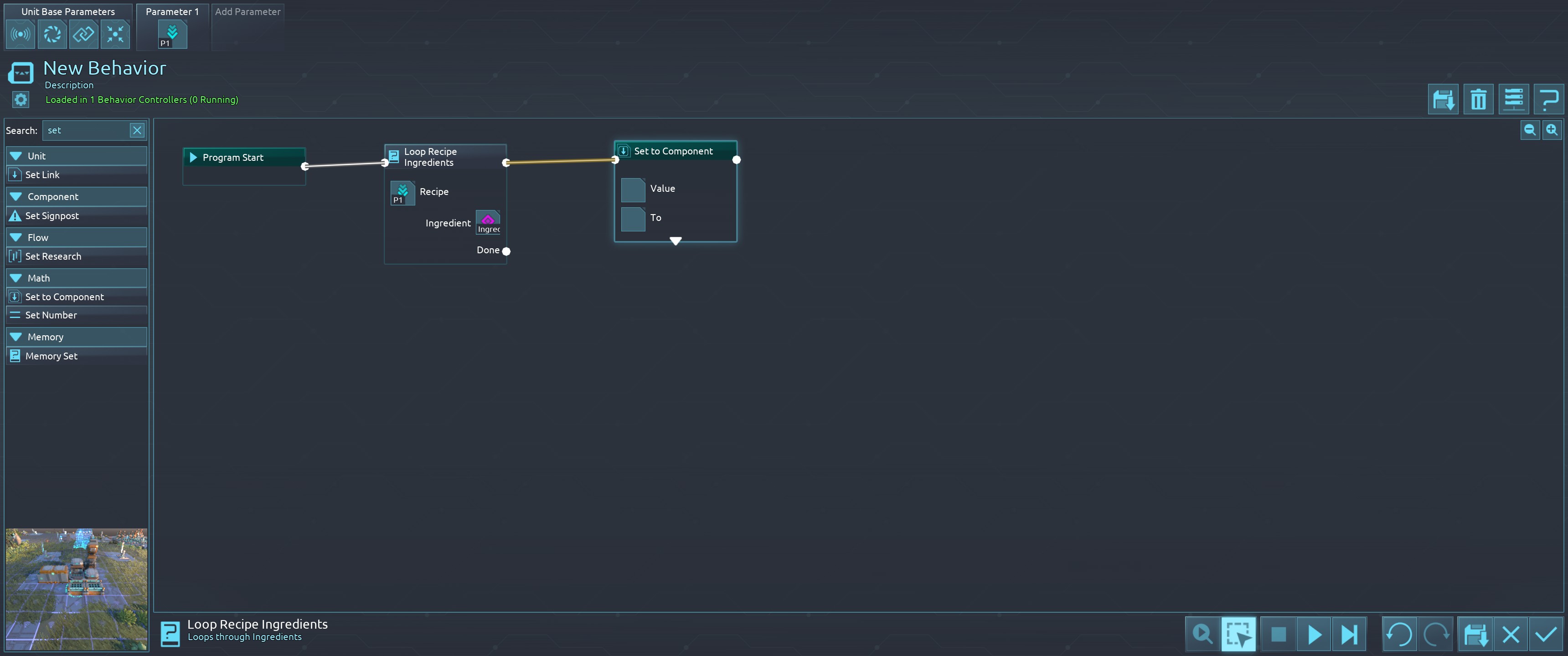
| 5451 | 🙂 | General | It is often unclear what a function does.
It would be nice if we could have example input/outputs
For example in the screenshot, does it return an array on the variable, should I loop the function myself, ... | 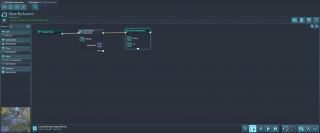 | 2025-07-05 16:12:52 |
| 5450 | 🙂 | Suggestion | In unlocked behaviors, highlight the whole path or loop that lead to the currently active wait or action, but in a different way than the wait or action itself. Along that path, show the variable values at that time each block was processed: e.g. (copy 0, add 1, add 1, add 1, and wait) should show the outputs (0 1 2 3 -) and not the outputs (3 3 3 3 -). | | 2025-07-05 08:07:52 |
| 5449 | 😟 | Suggestion | Please allow capacitors and batteries to retain their charge level when being unequipped. It is especially annoying moving a these from one unit to another and having it lose all of that charge.... | | 2025-07-05 04:37:05 |
| 5448 | 🙂 | Suggestion | Suggestion to allow placing buildings (via build menu or blueprints) in areas that you've explored (uncovered from fog of war), but do not currently have a unit at to give vision of. It would be nice to be able to plan out a future build without having to move units out there to give it line of sight coverage. | | 2025-07-03 23:53:10 |
| 5447 | 🙂 | Bug | Looks like a construction finishes in the same frame when the loop over constructions on the command centers behavior starts. As a Result, I get the finished (medium) building inside my loop, which should only run over constructions. I run at 20 fps, if that effects it in the attached save.This might be rare and less important. | | 2025-07-03 18:12:20 |
| 5446 | 😠 | Suggestion | First let me say I like the concepts and implimentation of many aspects of the game,
However, there is one core aspect that feels lacking. Specifically no bug expansion. Walls and other defenses feel trivial/worthless and the game feels lacking because it is expected to be a factor.
I'm not sure on the coding, but assuming you use the same behavior system on the bugs, it could be as simple as spawn a group of bugs, have them move to a location withing xx range where a hole/hive could potentially be, and if they encounter any threats on the way, attack. If not, they "deploy" a bug hole/hive/etc.
Please seriously consider this as I have a number of friends and I just can't recommend the game to them in this state as it is too easy to clear them out then never worry again.
Note: the harder mode of waves is not the same since that is just waves, not something that can be strategically approached. | | 2025-07-03 02:06:03 |
| 5445 | 😟 | Suggestion | 塔防有点无聊,626关了 | | 2025-07-01 11:56:40 |
| 5444 | 🙂 | Suggestion | 以其他阵营开局?比如以人类开局?这样子可玩性高了不少,AI也可以以其他阵营开局,PVE也很有搞头,现在只能一味的攀科技,攀到头也就没有什么玩的了 | | 2025-07-01 04:29:13 |
| 5443 | 😟 | General | Many popups in the UI have an "X" at the upper right corner, which every player will initially think is for closing the window. But when we click it, the window does not close. Upon closer inspection, the "X" is inside a search box, so its function is to clear the search box.
This is one of the many paper cuts that are killing this UI for me. I know I've done it before, but closing a window with an "X" in the upper right corner is not something I can unlearn at this point. | | 2025-06-30 15:13:10 |
| 5442 | 😀 | General | I again!
Another litle bug :
As you can see on the attached save, I have miss clicked and dropped a building under my command center, using a drop component looted in a crate. The construction site is unaccessible, an I can not undo it as it remains permanently constructing...
Best regards! | | 2025-06-30 11:00:30 |
| 5441 | 😀 | Bug | Bonjour, Hi!
I would like to signal a problem with transport robots and logistics requests :
Taking network off on the lockers seems to have no effect : requests are not deleted, and if you cancel it manually it respawns. That stucks the runners that would be affacted to these requests if the locker is unaccessible.
Sorry for my bad english,
thank you for this well game!
regards.
| | 2025-06-30 10:33:10 |
| 5440 | 🙂 | Suggestion | ヒトのフライヤーにハイグレードキャパシタや統合キャパシタ、マイクロリアクター等の統合型コンポーネントを常備させてくださいお願いします。 | | 2025-06-30 10:30:12 |
| 5439 | 😟 | General | Please add an option to return the unit interface to the way it was in previous versions. The new interface is much less convenient to use and navigate. The previous one was close to ideal. | | 2025-06-29 10:22:55 |
| 5438 | 🙂 | Suggestion | Please give the coding window a split screen option so I can interface with the map while I am coding. There are often things I want to confirm while I am debugging but have to close the window to go observe and then try and remember when I go back into the coding window.
I am aware and make use of the debugging option that shows me the current value of the variables.
The game has been fun! | | 2025-06-28 13:06:10 |
| 5437 | 😠 | Suggestion | Player commands should override ALL settings. If a building has, say, "only item transfer" (or whatever the setting is, I'm writing this so can't check) but I send a bot over manually, the setting should be temporarily overwritten to fulfill the manual instructions of the player. Their is no need to make the game a pain in the ass. The biggest problem comes in from the fact that if I alter some behavior, then programs might run and make what I am doing impossible in certain contexts, when all I might need to do is take out an item.
This game punishes misktakes (which will be made becuase very little effort is put on teaching the player) far too harshly. | | 2025-06-27 14:12:18 |
| 5436 | 😠 | General | Need more tutorial- you basically only explain the command and conquer parts of the game, not the programming parts. If I wanted to play command and conquer, that's what I would play. Please spend time explaining your selling point. | | 2025-06-27 10:37:12 |
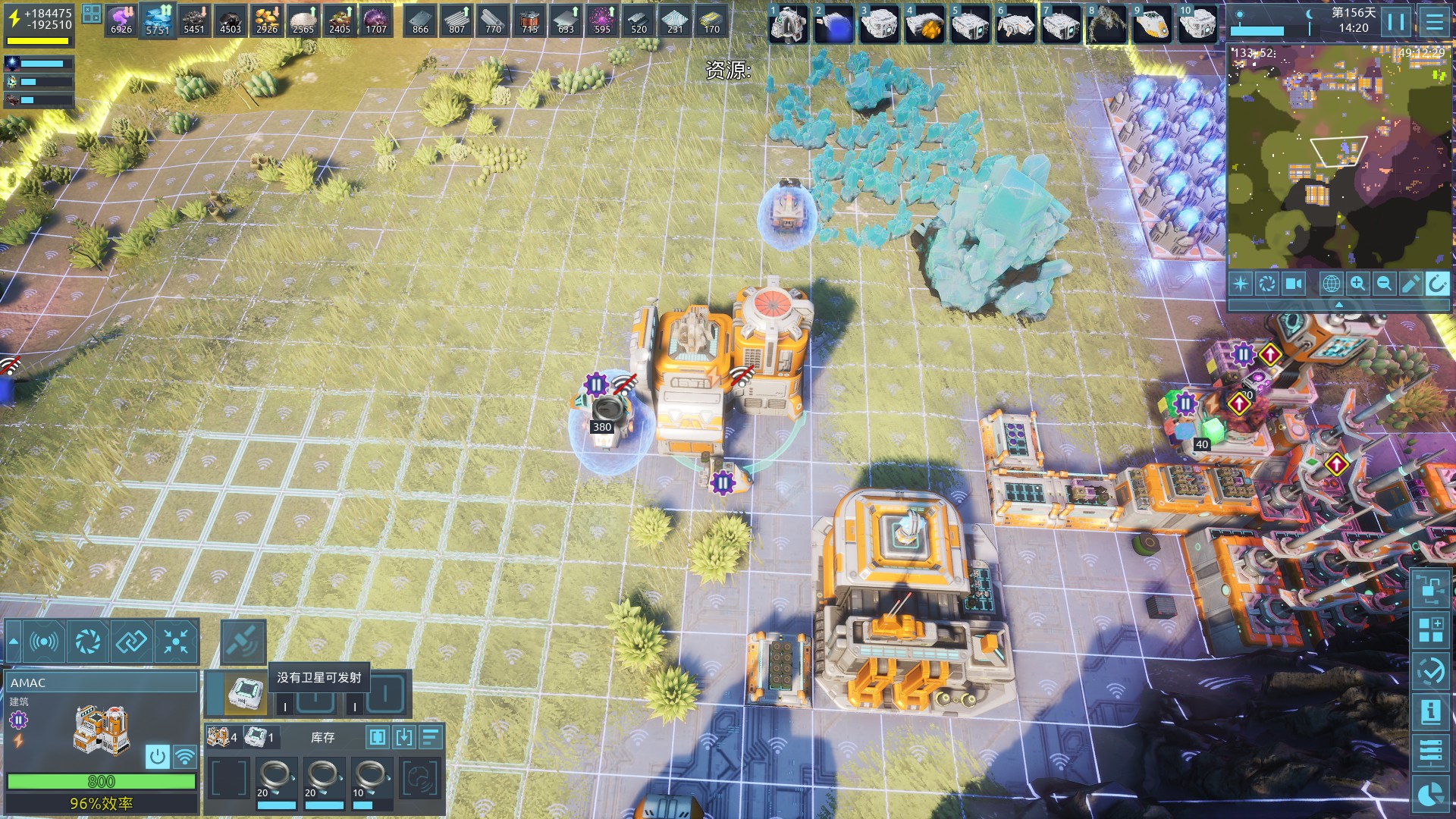
| 5435 | 😟 | General | 卫星发射不会带着AMAC中的库存,已用雷达扫描 | 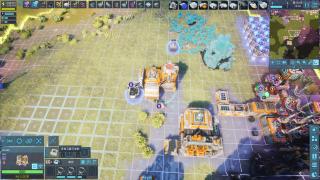 | 2025-06-26 16:27:51 |
| 5434 | 😟 | General | Changing input connection of branching blocks sometimes also changes their output connections if there is another input block connected, that has an unconnected input.
The Scout in the save game reproduces this with a minimal behavior. Exchanging the current input with the Label block connects both output with the lower Wait. | | 2025-06-26 09:28:51 |
| 5433 | 😟 | General | I'm playing the tutorial and my command center inventory is full and I cannot create new items for the tutorial as I have no way to drop or delete items to free space. | | 2025-06-25 00:11:19 |
| 5432 | 😟 | Bug | attempting to enable upscaling causes a crash. | 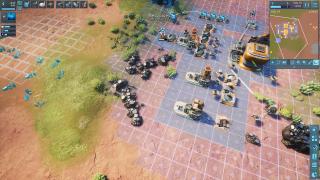 | 2025-06-24 01:10:36 |
| 5430 | 🙂 | Suggestion | Feedback regarding writing/progression --
All that content really needs to be hinted way earlier. I havent even started the alien tree yet. The world gen might need some more things that show this and the AI tell you "Yea we can get these BPs" Im just that far in because Im an unemployed datascientist that loves these kind of industrial/riddle/logistics thing. But seeing that research is a surprise, a welcome one but still, there were no hints that this would happen.
I hope you capitalize more on all the content you made so far in the store page and early game designs. | 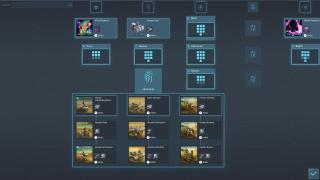 | 2025-06-23 09:16:39 |
| 5429 | 🙂 | Bug | Flying drone looks like its copying shader/shadow from ground as it passes various grounds.
| 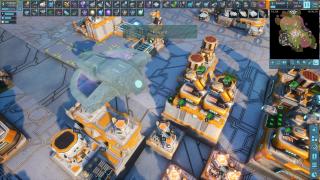 | 2025-06-23 07:37:03 |
| 5428 | 🙂 | Bug | It seems like my logistics network display in the upper left doesn't list all available resources. | 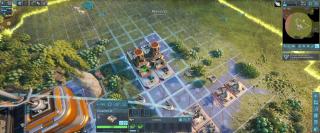 | 2025-06-22 11:18:17 |
| 5427 | 😟 | Suggestion | What happened to the building/unit UI? i'm not a fan of it. It's not just because I'm used to the old one, but the orientation in this one doesn't make sense. I'm having a very hard time. Please let us have an option to switch back to the old one | | 2025-06-22 07:42:49 |
| 5426 | 😟 | General | Where are the Human Datacubes? I've explored 8 human compounds and not one datacube. I'm blocked from progressing past step 1 of the human research. | 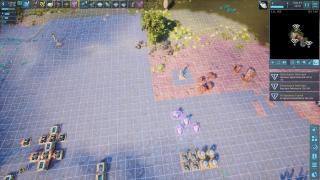 | 2025-06-21 17:34:36 |
| 5425 | 😟 | Suggestion | The volume of the robots in this game are to low. I cant hear the sounds of the factory and bots unless I turn the volume on my pc way up. Voice overs and stuff are fine its just the sounds of the enviroment that is to low. | | 2025-06-21 15:49:27 |
| 5424 | 😀 | General | The mission says "Out-of-Sync" and the item says "Out of Phase this may jus be a typo or I have not progressed enough as yet | 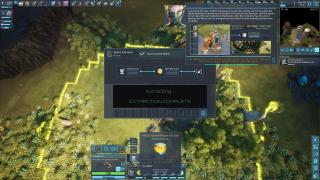 | 2025-06-20 09:46:36 |
| 5423 | 🙂 | General | Make programming easier | 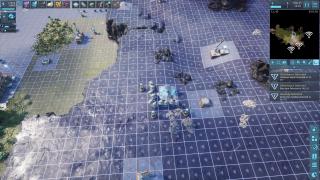 | 2025-06-19 01:57:52 |
| 5422 | 🙂 | General | Make workers with mining lasers stay at their assined ore. My workers keep leaving and going idle | 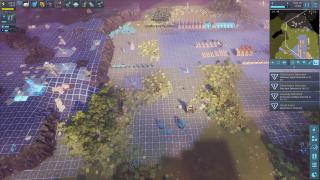 | 2025-06-18 19:30:38 |
| 5420 | 😀 | General | bro please do it add turkish language | | 2025-06-18 09:31:30 |
| 5419 | 😀 | General | nice game still playing we will see how much good but I think good looking. | | 2025-06-18 09:17:03 |
| 5418 | 😀 | General | Great Game so far! cant wait to see full game | | 2025-06-18 01:46:11 |
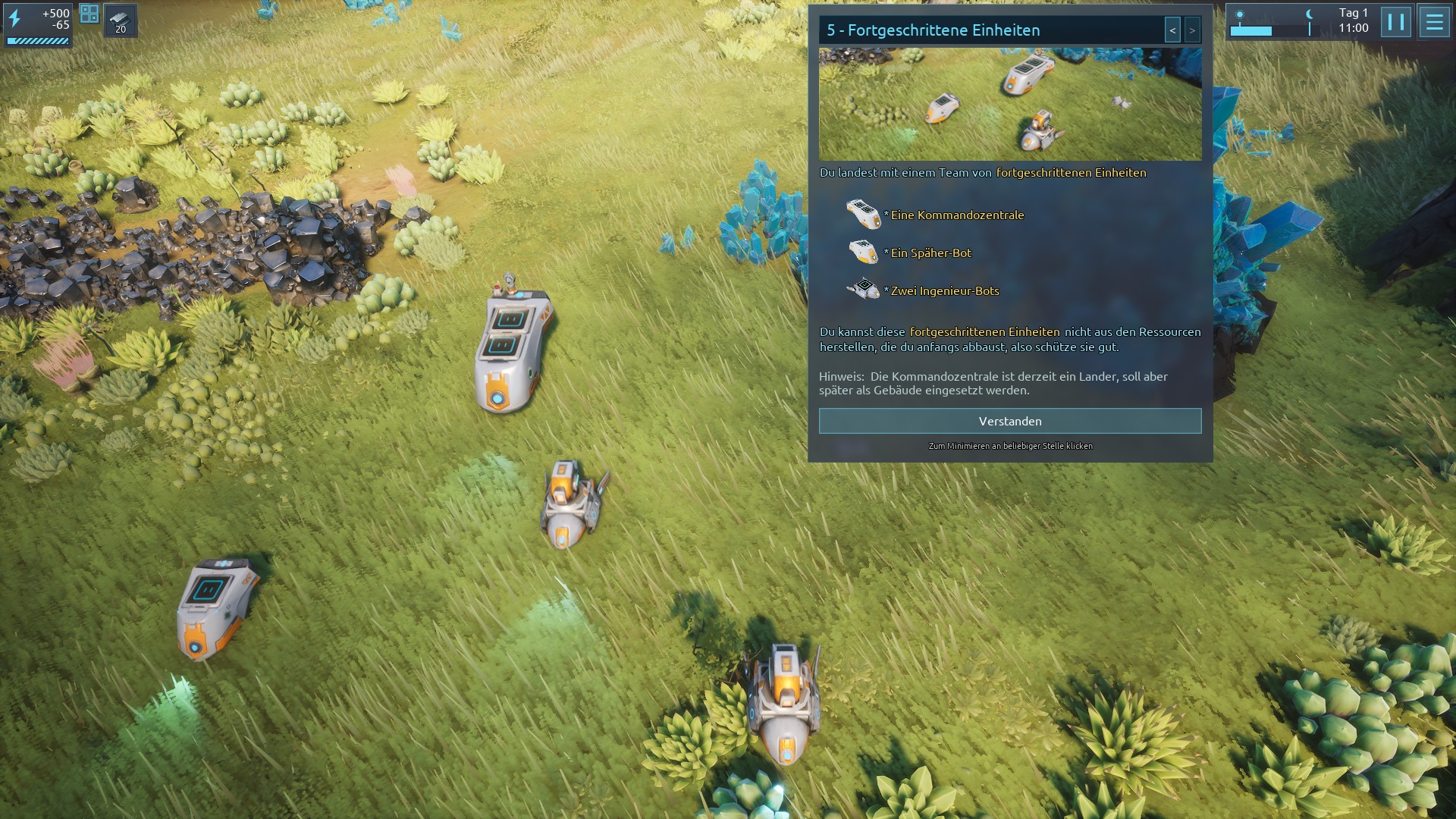
| 5417 | 🙂 | General | Die Komponenten wurden im Tutorial am linken Bildschirmrand angezeigt, sind aber im Spiel oberhalb des Inventars. | 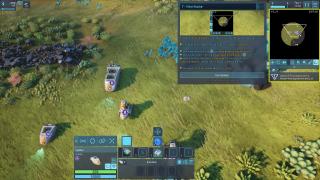 | 2025-06-17 18:21:09 |
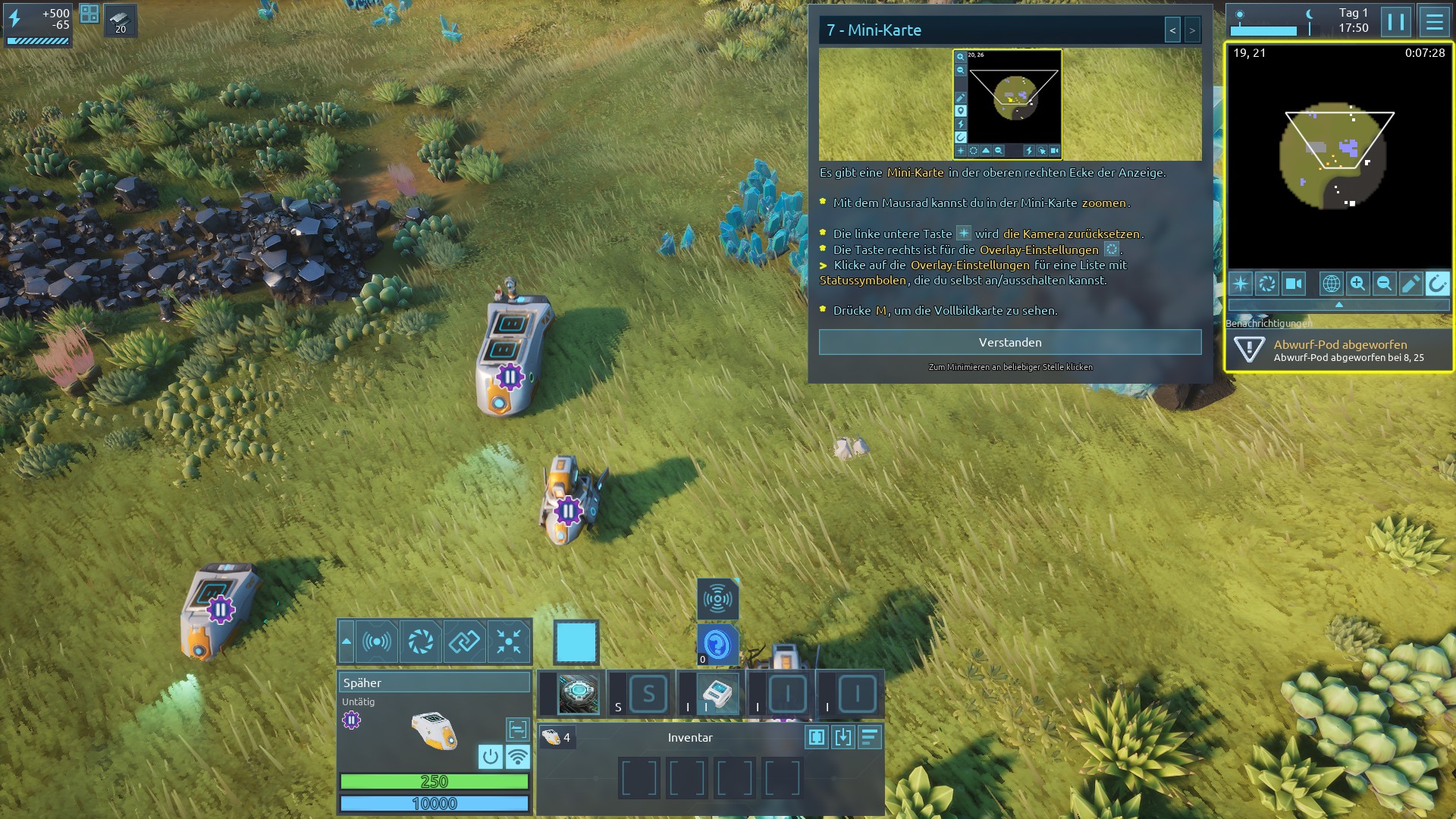
| 5416 | 🙂 | General | Die Ingenieur-Bots sehen im Tutorial-Aufgabenbereich anders aus als im Spielbereich. | 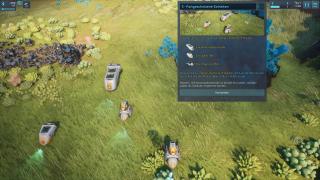 | 2025-06-17 18:14:45 |
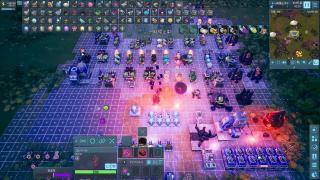
| 5415 | 🙂 | Suggestion | バグ・エイリアンを全く殺さずに安定性を完了したので、それらを殺すことと安定性は無関係の方が良いと思う。
|  | 2025-06-17 13:42:22 |
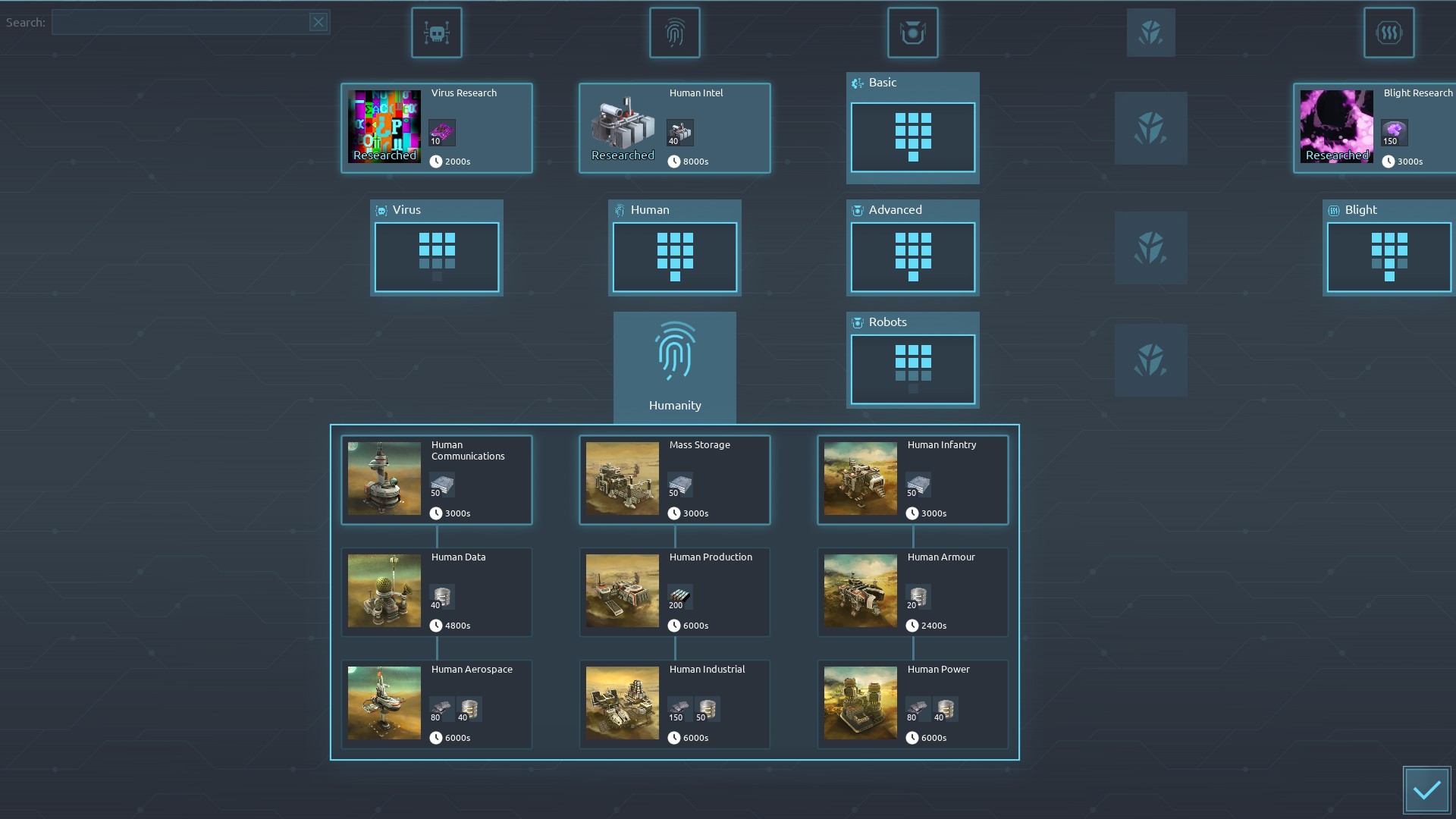
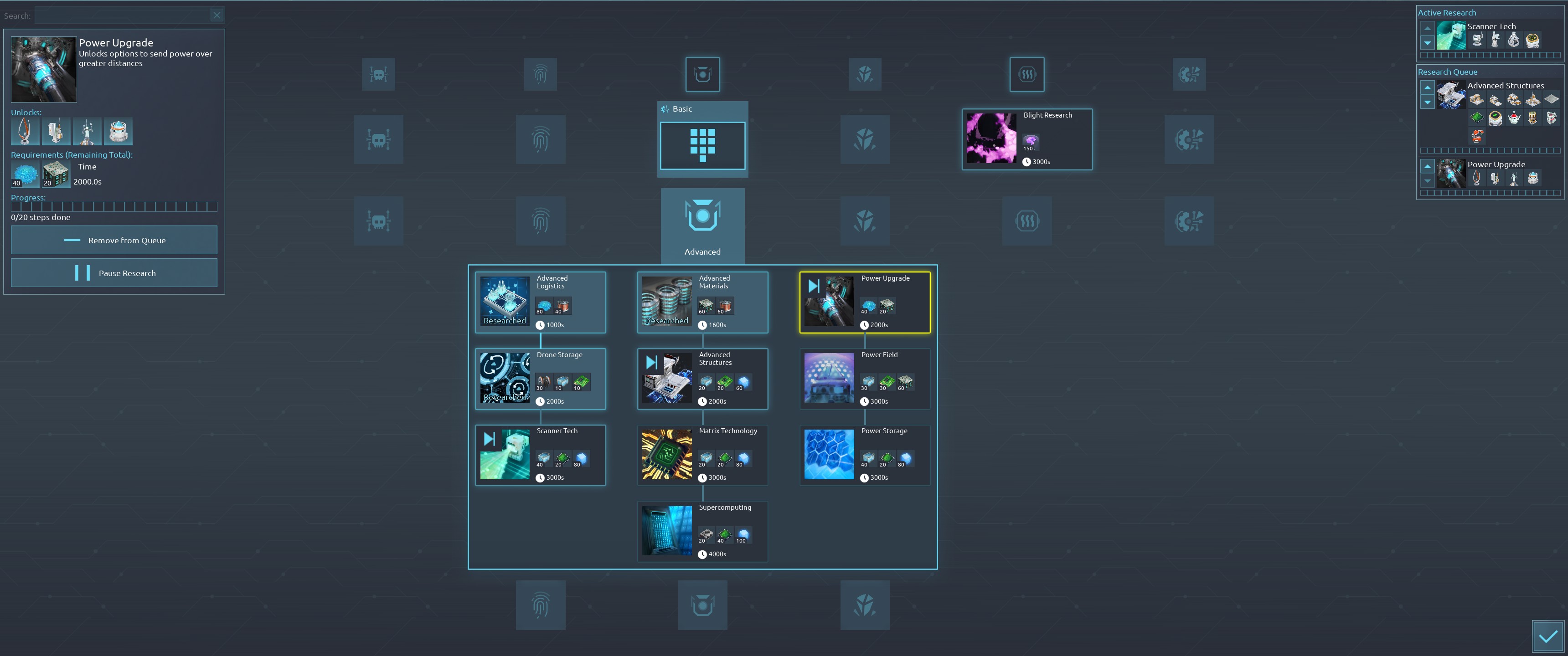
| 5414 | 😟 | Suggestion | Please make already researched technologies more visually distinct. Right now, it takes a couple of minutes to figure out what’s been unlocked and what hasn’t. Maybe display researched ones in sepia or grayscale, for example — or, alternatively, make the unresearched ones grayscale :) | 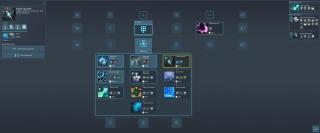 | 2025-06-17 08:41:56 |
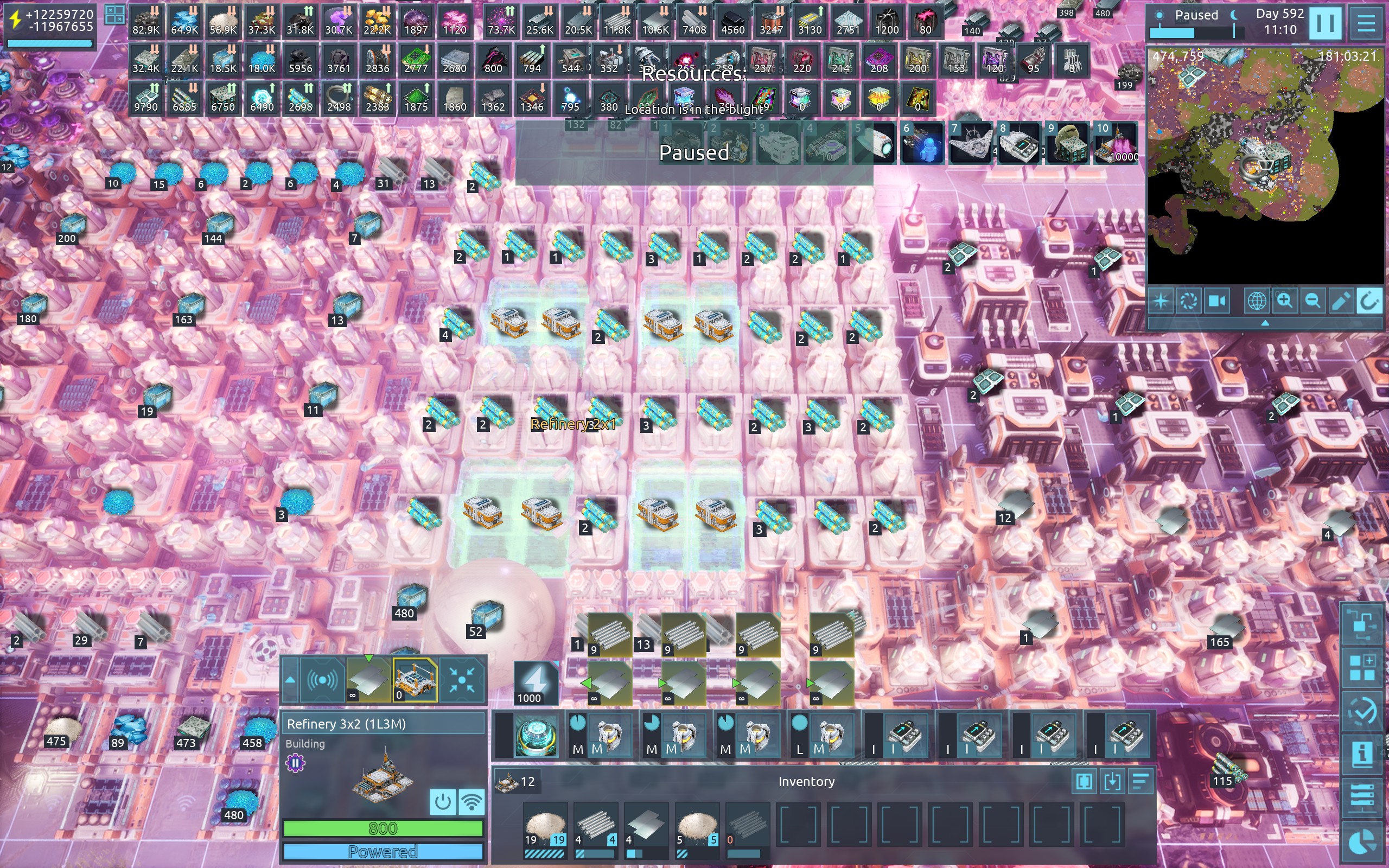
| 5413 | 🙂 | Bug | constuction sites not finishing building
had a bunch of 3x2 1L3M and opted to change them to 2x1 2M adv. and made the top row first
then all others below them in a ctrl-shift fashion
8 buildings wont complete
@STM | 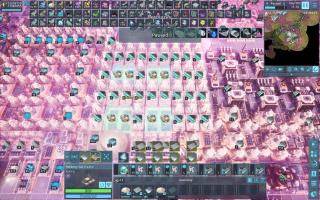 | 2025-06-16 22:50:46 |
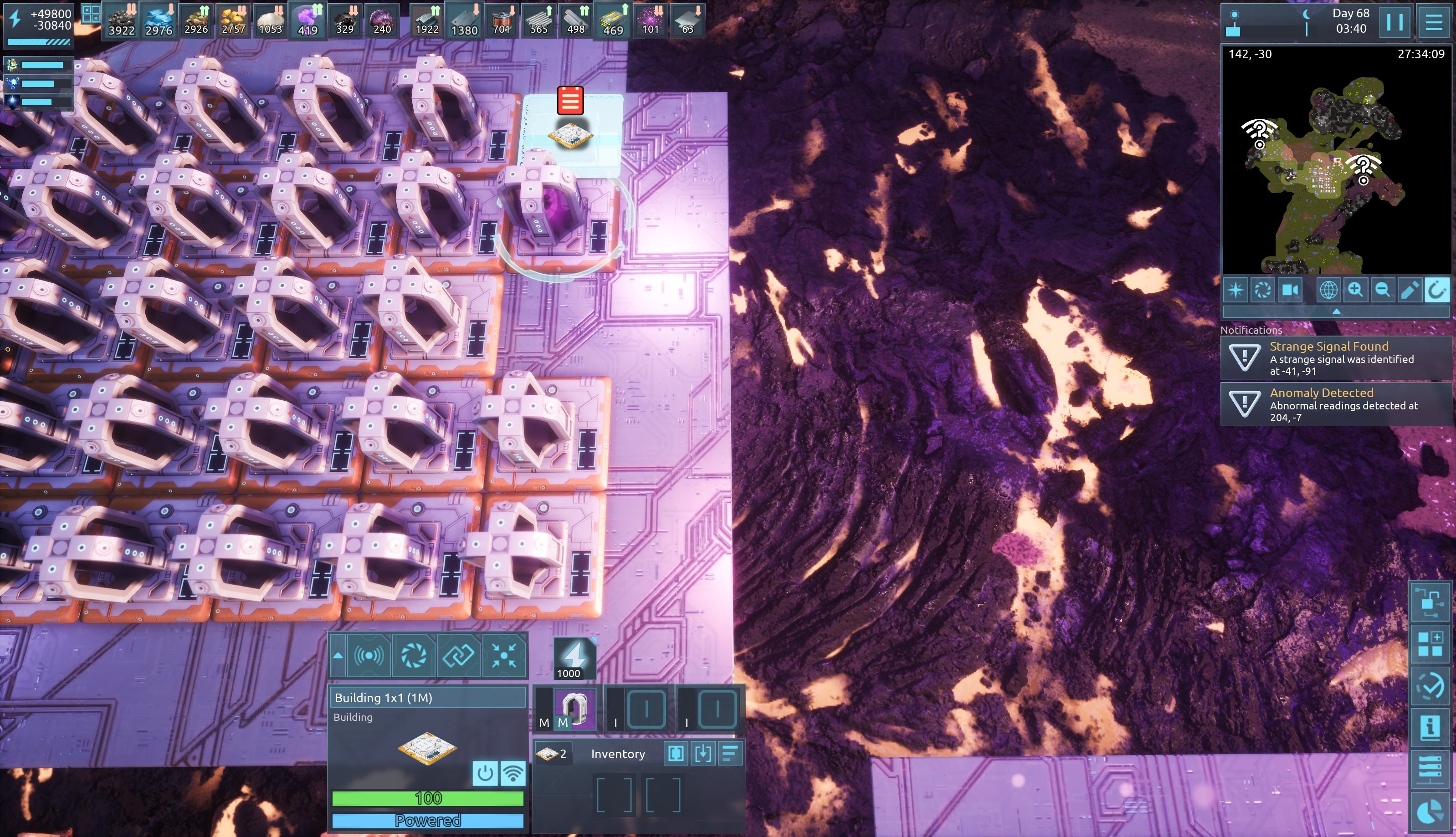
| 5412 | 😟 | General | When putting down new blight power generator, you can see something happening inside it (purple ball thing). If you leave the screen (i.e. move to different part of the map and come back) you can no longer see it, there is nothing happening inside it. I don't know if this intended or not. | 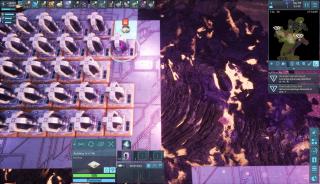 | 2025-06-16 00:19:26 |
| 5411 | 🙂 | Bug | buildings not finishing construction is back on the menu, sort of ;-)
they comple after the one in the center finishes
@STM | | 2025-06-15 23:02:06 |
| 5410 | 🙂 | Bug | either I'm not doing it right or this is a bug?
the selected drones somehow got blocked with the product and were hovering around doing nothing.
so I selected them, diconnected the network and now they won't drop off the stuff in the storage as they just bounce around.
@STM | | 2025-06-15 21:16:44 |